
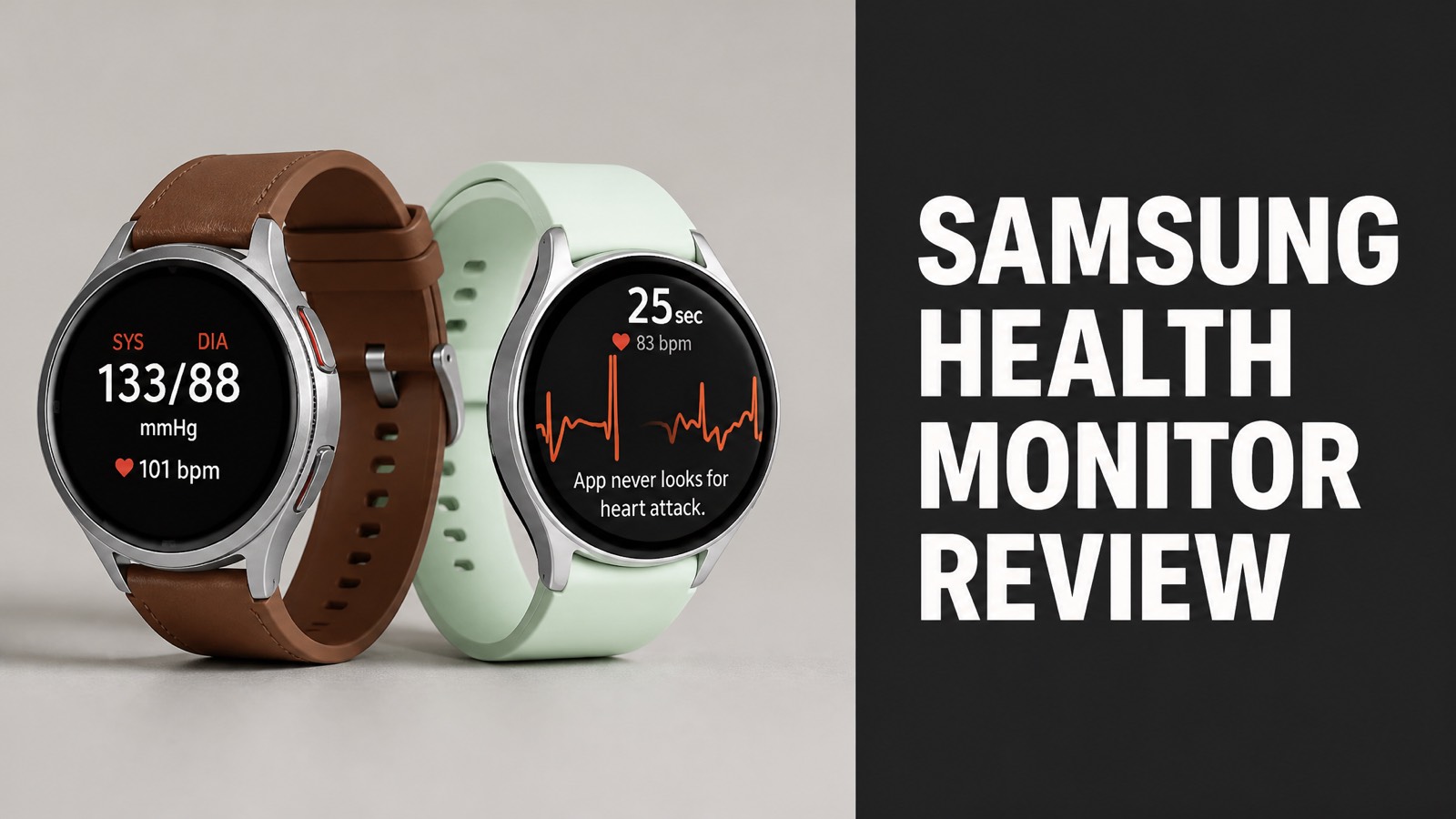
Samsung Health Monitor is a free app that pairs with a Galaxy Watch. The app records ECGs, flags irregular rhythms, estimates blood pressure and screens for sleep apnea. Samsung built the tools for owners who want heart data on the phone. The watch gathers the signals, and the phone displays each result.
Our team reviewed the app’s features, device rules, user feedback and costs. The ECG takes 30 seconds and screens for atrial fibrillation. Blood pressure estimates need cuff calibration. Reviews praise the free price but criticize the Samsung-only lock-in. The app is safe for screening, yet it never replaces a doctor’s diagnosis of any heart condition.
The big picture is simple. The app adds real value to a Galaxy Watch people already own. It adds little outside the Samsung ecosystem. Read on to learn how each feature works. You’ll also see what users say, how rivals compare and whether the app earns a lasting place on your wrist.
What Is Samsung Health Monitor?
Samsung Health Monitor is a free companion app that turns a Galaxy Watch into a heart health tool. Samsung built the app around ECG readings, irregular rhythm alerts, blood pressure estimates and sleep apnea risk checks. The watch gathers the raw signals. The app then displays each result clearly on the phone screen for the wearer. Setup stays simple.
To be clear, the app isn’t a general fitness tracker. Samsung Health covers steps, sleep scores and workouts. Samsung Health Monitor covers the medical-style sensors, and both apps share data on the same phone.
Core Features:
- Single-channel ECG reading
- Irregular heart rhythm notifications
- Blood pressure estimates after cuff calibration
- Sleep apnea risk detection
In fact, Samsung markets these tools as wellness features with FDA-cleared parts. The ECG and the sleep apnea risk feature carry clearance in the United States. Local feature lists decide what appears in each country.
Which Devices Does Samsung Health Monitor Support?
Samsung Health Monitor works with Galaxy Watch models paired to a Samsung Galaxy phone. Samsung keeps the sensors, the app and the phone inside one ecosystem. The ECG and blood pressure tools need a Galaxy phone, so iPhone owners can’t run them at all. Other Android phones don’t unlock the full feature set either, which limits choice. Region rules apply.
Here’s the thing: the watch matters as much as the phone. Recent Galaxy Watch models carry the sensor hardware. Samsung’s compatibility list names the exact models for each country, and that list is the final word.
How Does Samsung Health Monitor Work?
Samsung Health Monitor reads sensor data from the watch and displays the results on the phone. The watch captures an electrical signal at the wrist and an optical signal from the heart rate sensor. The app analyzes both signals. It labels each reading in plain language, so the wearer never reads raw waveforms alone. Processing happens within seconds.
Think of it this way: the watch is the sensor and the phone is the report. Readings sync to Samsung Health, where the trend lines live. Does the sync need constant attention? Not at all. The app updates in the background.
Feature Inputs:
| Feature | Sensor | Timing |
|---|---|---|
| ECG | Electrical heart sensor | 30 seconds, on demand |
| Irregular rhythm alerts | Optical heart rate sensor | Background checks |
| Blood pressure | Optical sensor plus cuff calibration | Morning estimate |
| Sleep apnea risk | Oxygen saturation sensor | Overnight |
How Does the ECG Feature Work?
The ECG feature records a single-channel electrocardiogram in 30 seconds. The wearer rests an arm on a table and touches the top button with a finger of the opposite hand. That contact closes the circuit. The app then classifies the rhythm and shows the result with a short explanation on the screen. Results appear right away. Readings save to the app.
The app returns one of a few results. Sinus rhythm means a regular beat. Signs of atrial fibrillation flag an irregular pattern. An inconclusive result means noise or a heart rate outside 50 to 120 beats per minute.
Here’s the catch: the ECG looks for atrial fibrillation only. Heart attacks and other conditions need clinical tests. Samsung states this limit openly, and each reading carries a disclaimer.
How Does the Blood Pressure Estimate Work?
The blood pressure feature estimates readings after calibration against a standard upper-arm cuff. The wearer enters cuff readings into the app. The watch then learns the link between its optical pulse signal and those numbers. Samsung sells no cuff with the watch, so buyers pick up a validated cuff separately before starting setup. Rest first. Stay seated.
Why does calibration matter? The watch can’t measure pressure directly. Samsung asks for a fresh calibration every four weeks (28 days) to keep estimates anchored. Morning estimates arrive after sleep.
Now here’s the thing: estimates are not diagnoses. A reading of 120/80 mmHg (16.0/10.7 kPa) from the watch is a trend point. A cuff stays the reference tool for medical decisions.
What Are the Benefits of Samsung Health Monitor?
Samsung Health Monitor gives wearers a low-effort view of heart rhythm, blood pressure trends and sleep breathing. The app costs nothing, and the watch collects data during normal wear. Users build a history that a doctor can review during a visit. That record beats recalling symptoms from memory weeks later. Trends matter more than single readings.
The good news? The data export is simple. Users can save an ECG reading as a PDF report. A physician then sees the waveform and the timestamp instead of a vague description of symptoms.
What’s more, the sleep apnea feature adds real value. Samsung describes FDA-cleared risk detection for moderate to severe cases. The watch looks for oxygen saturation dips overnight, and the app shows details in the morning.
Main Benefits:
- Free app with no subscription
- ECG report export as PDF
- Overnight sleep apnea risk screening
- Blood pressure trend tracking
- Automatic sync with Samsung Health
Does Samsung Health Monitor Detect Irregular Heart Rhythms?
Yes. Samsung Health Monitor flags signs of atrial fibrillation through ECG readings and background rhythm checks. The watch scans the pulse signal while the wearer is still. It sends an alert when the pattern looks irregular. The user can then record an ECG on the spot to confirm what the alert saw in the pulse data. Alerts arrive on the watch and phone.
So what does that mean for wearers? An alert is a prompt to see a doctor. A normal result is not a clean bill of health. Does a clear reading rule out a heart problem? No. Symptoms still deserve a medical visit.
What Do Samsung Health Monitor Reviews Say?
Samsung Health Monitor reviews praise the free price and the smooth Galaxy integration, but criticize the hardware lock-in. Most feedback centers on the wider Samsung Health ecosystem, since the two apps work together. Reviewers on the Galaxy Store and other platforms repeat the same themes again and again over the years. The pattern holds across sources.
Short answer: users like the convenience. Complaints cluster around compatibility and feature gaps. Here is the pattern across the sources our team at Eat Proteins checked.
Review Themes:
| Theme | Praise | Complaint |
|---|---|---|
| Price | Free to use | Watch costs extra |
| Ecosystem | Seamless with Galaxy devices | Needs Samsung wearables |
| Sleep data | Detailed overnight metrics | Some tools vary by country |
| App polish | Clean layout, deep charts | Trails Google Health in tests |
What Do Users Like About Samsung Health Monitor?
Users like the free access, the quick ECG and the depth of the sleep tracking. One reviewer called the charts and historical graphs phenomenal. Another group values the automatic data flow from the watch to the phone. Nobody types in numbers by hand, and nobody pays for a second account. Simple design earns steady praise. Setup gets few complaints.
For example, the ECG takes half a minute and produces a shareable report. That speed matters during a scary moment. Does a fast reading calm people down? Often yes, because the app explains the result in plain terms.
What Do Users Complain About?
Users complain mostly about the Samsung-only requirement and uneven features across regions. Owners of non-Samsung phones lose the ECG and blood pressure tools. Some features also launch in one country long before another. Buyers end up guessing what their own watch will actually do at home after purchase. Support answers vary by region. Support varies.
And there’s more. Android Police tested the companion Samsung Health app against Google Health with a Galaxy Watch 8. The reviewer found Samsung’s app had fallen behind rivals, while an update was already announced.
How Does Samsung Health Monitor Compare to Apple Watch and Fitbit?
Samsung Health Monitor matches Apple Watch and Fitbit on core ECG screening but differs on phone requirements. All three platforms record a 30-second ECG and screen for atrial fibrillation. The real split is the phone: Galaxy for Samsung, iPhone for Apple, and Android or iPhone for Fitbit. Phone choice decides the winner. Each brand guards its own ecosystem.
By comparison, Samsung adds cuff-calibrated blood pressure estimates that rivals handle differently. Apple and Fitbit skip the cuff step. Which approach wins? The answer depends on the phone in the user’s pocket.
Platform Comparison:
| Platform | ECG | Phone Needed |
|---|---|---|
| Samsung Health Monitor | 30-second ECG | Samsung Galaxy |
| Apple Watch | 30-second ECG | iPhone |
| Fitbit ECG app | 30-second ECG | Android or iPhone |
Is Samsung Health Monitor Better Than Apple Watch ECG?
No. Samsung Health Monitor is not clearly better, because both ECG tools target the same single condition. Each one screens for atrial fibrillation with a 30-second recording. Accuracy differences between the two are small. Independent head-to-head data stays limited so far, which leaves everyday wearers without a proven winner. Both are fine. Pick by phone.
Here is the part most people miss: the best tool is the one that fits the phone. A Galaxy owner gains nothing from an Apple Watch. An iPhone owner gains nothing from a Galaxy Watch. Ecosystem decides this fight.
Is Samsung Health Monitor Safe and Accurate?
Yes. Samsung Health Monitor is safe to use, but it works as a screening aid and not a diagnostic device. The ECG and sleep apnea features carry FDA clearance in the United States. The blood pressure estimate depends on cuff calibration and varies by country. Samsung labels that estimate for wellness use only, not diagnosis. Strap fit affects signal quality.
Accuracy has limits. Motion, loose straps and cold skin degrade the signal. Does a bad signal break the app? No. The app simply returns an inconclusive result and asks for a retry.
Safety Limits:
- The ECG detects atrial fibrillation only
- Blood pressure estimates need cuff calibration every four weeks
- Motion and loose straps reduce accuracy
- No feature replaces a doctor’s diagnosis
Who Should Avoid Relying on Samsung Health Monitor?
People with diagnosed heart conditions need medical guidance instead of relying on the app alone. The same applies to anyone with chest pain, fainting or sudden shortness of breath. Those symptoms call for emergency care, not a watch reading. A reassuring number never outranks how the body actually feels in the moment. Watches don’t replace clinics.
Samsung lists pacemakers and implanted devices as a reason to skip the ECG. The ECG also isn’t meant for users under 22 years old. Blood pressure estimates are off limits under age 18. When in doubt, ask a physician.
How Much Does Samsung Health Monitor Cost?
Samsung Health Monitor costs nothing as an app, but the compatible watch and a blood pressure cuff cost extra. Samsung lists the app as free on the Galaxy Store. No subscription unlocks the heart tools. The real expense is hardware, and prices depend on the Galaxy Watch model that a buyer picks at checkout. Watch prices change with sales. Cuffs are cheap.
In plain English: the software is free and the sensors are not. A buyer who already owns a Galaxy Watch pays nothing more except for a cuff. Everyone else budgets for the watch first.
Cost Breakdown:
| Item | Cost | Required |
|---|---|---|
| Samsung Health Monitor app | Free | Yes |
| Galaxy Watch | Varies by model | Yes |
| Upper-arm blood pressure cuff | Sold separately | For blood pressure only |
Is Samsung Health Monitor Worth It?
Yes. Samsung Health Monitor is worth it for Galaxy owners who want heart screening with zero extra software fees. The app adds meaningful features to a watch people already wear every day. The value shrinks for anyone buying a Galaxy phone and watch from scratch. Existing owners gain the most. Budget buyers compare models first. Existing owners gain most.
Bottom line: the app is a strong free add-on and a weak reason to switch ecosystems. Pay for the hardware you’d buy anyway. Treat the heart tools as a bonus, not the main purchase reason.
Where Do You Download Samsung Health Monitor?
Samsung Health Monitor is available from the Galaxy Store and installs through the watch setup flow. The watch prompts the install during setup. Users then open the app, accept the terms and pick the features they want to enable. The whole process stays free and takes only a few minutes on a supported phone. Storage needs stay small. Updates are automatic.
Setup takes minutes. Pair the watch, open the app and run a first ECG to test the sensor. Calibration for blood pressure comes next. Let our team at Eat Proteins say it plainly: do the first reading while seated and calm.
Should You Try Eat Proteins?
Eat Proteins turns heart and wellness data into clear, practical nutrition choices you can act on today. Samsung Health Monitor shows the numbers. Our experts at Eat Proteins show what to do next. Every review we publish cuts through marketing noise and points you toward smart, proven choices. Browse our newest reviews now. Your heart will thank you.
Here’s the thing: no watch fixes a poor diet. A calm resting heart rate starts with protein, fiber and steady habits. Start with our latest reviews today. Your next smart health move is one click away.
Why Does Nutrition Matter for Heart Health?
Nutrition shapes blood pressure, resting heart rate and sleep quality every single day. A watch measures those results. Food helps change them. Pair Galaxy Watch data with smarter protein choices, and the tracked trends start to move the right way. Steady habits beat quick fixes. Eating well supports every number the watch tracks. Fiber slows digestion.