
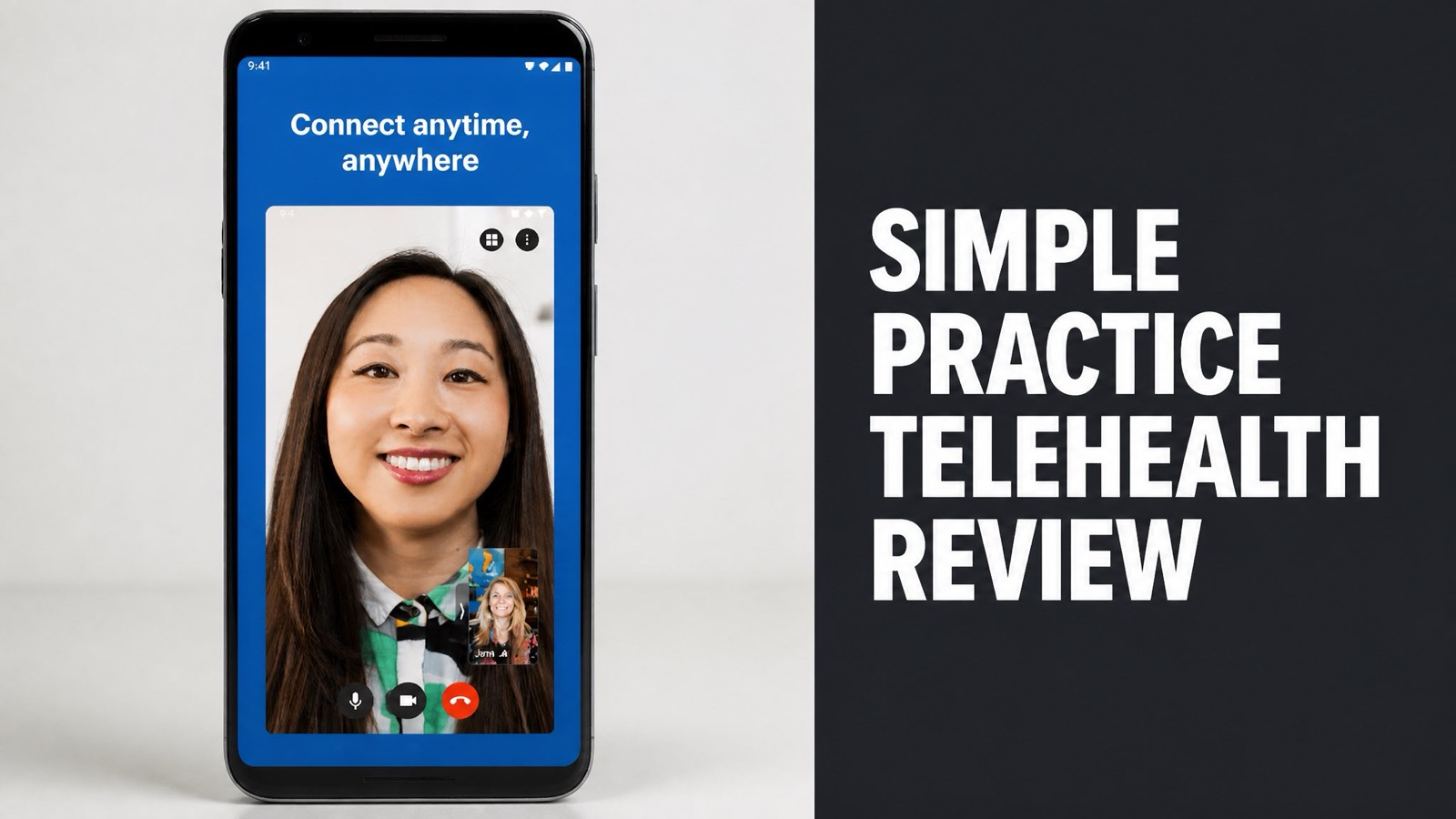
Simple Practice telehealth is the built-in video session tool inside SimplePractice, a cloud-based practice management platform. Howard Spector founded the company in 2012, and it now serves over 250,000 clinicians. Our team at Eat Proteins reviewed the pricing, ratings, and user reports.
The tool is HIPAA-compliant and easy to learn. The platform bundles video, notes, scheduling, and billing in one calendar. Reviews split sharply, though. Capterra scores it 4.5 out of 5, while Trustpilot sits below 3. Plans run $49 to $99 per month, and add-ons raise the total. Larger groups report friction as they grow. Our team weighed each point.
The verdict depends on practice size. Solo clinicians get strong value and a polished experience. Larger groups face extra fees and workflow limits. The review below covers pricing, safety, rival platforms, user complaints, and the practices that need a different tool. Read on before you commit.
What Is Simple Practice Telehealth?
Simple Practice telehealth is the HIPAA-compliant video session tool built into the SimplePractice platform. Clinicians launch each session from the appointment card in the calendar. Clients join from a link with no login or password. The tool runs on desktop and in a dedicated mobile app. Session records stay linked to client notes, invoices, and billing.
SimplePractice added telehealth in 2018. In fact, the company began in 2012 with a therapist’s simple idea. Today it counts more than 250,000 active clinicians, per its own reviews page.
Key Facts:
- Founded in 2012 by Howard Spector
- Telehealth added in 2018
- Owned by Vista Equity Partners since January 2024
- Serves more than 250,000 clinicians
Who Uses Simple Practice Telehealth?
Therapists, counselors, and psychologists make up the core user base of Simple Practice telehealth. Social workers, occupational therapists, speech-language pathologists, and dietitians also use it. Solo practitioners and small groups fit best. Larger group practices report more friction as headcount grows. Training clinics and big teams hit limits sooner.
Is it only for mental health? No. Dietitians and wellness coaches run sessions on it too. Still, the design centers on the solo therapist workflow. Reporting and customization stay lighter than in tools built for big clinics.
How Does Simple Practice Telehealth Work?
Simple Practice telehealth works as a video room attached to each calendar appointment. The clinician opens the appointment card and starts the session. The client receives a link through an email, text, or voicemail reminder. Both sides connect through a browser or the app. Notes and billing sit in the same record, so nothing gets retyped between tools.
Here’s the flow in plain English. The clinician books the slot, and the client confirms. At session time, the clinician opens the room first. Afterward, the clinician writes a progress note and sends an invoice.
Session Steps:
- The clinician books the appointment in the calendar.
- The client receives an automated reminder with the session link.
- The clinician starts the video room from the appointment card.
- The client joins from the waiting room.
- The clinician writes the progress note and sends the invoice.
What Features Does the Video Platform Include?
The video platform includes a waiting room, in-session chat, a whiteboard, and group sessions. Group calls support up to 15 participants. Clients need no password to join. The clinician controls admission from the waiting room. Everything runs under a signed business associate agreement for client data. Setup takes a few clicks inside the calendar.
Does it ever glitch? Sometimes. Some users report occasional connection problems, a common issue for browser video tools. At the same time, a rival’s roundup calls the mobile app the category’s best.
What Are the Benefits of Simple Practice Telehealth?
Simple Practice telehealth saves time by joining video, notes, scheduling, and billing in one place. A clinician avoids paying for a separate video tool. Reminders, intake forms, and invoices flow from the same calendar. The one-system design is the main selling point reviewers cite most often. Solo clinicians feel the savings first, and small teams follow.
Bottom line: the benefit is workflow, not video quality. Why does that matter? Every extra tool adds logins, fees, and compliance paperwork. One platform removes most of them.
Main Benefits:
- One calendar for video, notes, and billing
- Client portal with intake forms and reminders
- Mobile apps for clinicians and clients
- Large template library and community
Is Simple Practice Telehealth Easy to Use?
Yes. Simple Practice telehealth is easy to use for solo clinicians and non-technical staff. Reviewers describe the interface as polished and quick to learn. Capterra lists SimplePractice at 4.5 out of 5. Info-Tech SoftwareReviews scores usability at 89, against a category average of 83. Training quality and availability scores 95, against an average of 81.
Is setup fast? Mostly. Clients get intake forms right after profile creation. Clinicians add consent forms and GAD-7 or PHQ-9 screeners in minutes. The learning curve stays gentle for solo practices.
Does Simple Practice Telehealth Include AI Notes?
Yes. SimplePractice offers an AI Note Taker as a paid add-on for telehealth sessions. The add-on lists at $35 per clinician per month. The add-on transcribes and summarizes sessions into draft progress notes. The system deletes recordings after transcription. Clinicians stay responsible for the final note. The feature targets time spent on paperwork.
What’s the catch? The cost. The add-on stacks on top of the plan fee. A group of five clinicians pays $175 a month extra.
What Do Simple Practice Telehealth Reviews Say?
Simple Practice telehealth reviews split sharply between review aggregators and consumer sites. Capterra rates SimplePractice 4.5 out of 5. Trustpilot sits below 3 out of 5. Aggregators skew toward satisfied solo users. Frustrated customers post elsewhere. The truth lands between, and it depends on practice size. Read both sides before you decide on a plan.
Info-Tech SoftwareReviews shows a 7.6 out of 10 composite. Likeliness to recommend scores 82. To be clear, that sample holds only 5 reviews. Treat it as a hint, not proof.
Review Scores:
| Source | Score | Main Theme |
|---|---|---|
| Capterra | 4.5 out of 5 | Ease of use |
| Trustpilot | Below 3.0 out of 5 | Support delays and price hikes |
| Info-Tech SoftwareReviews | 7.6 out of 10 | Value and reliability (5 reviews) |
What Do Users Like?
Users praise the interface, the mobile app, and the client portal most. Reviewers call the design the most pleasant in a clunky software category. Clients find the portal simple, which cuts intake friction. A large user base also means templates and forum answers exist for most problems. Every Info-Tech reviewer plans to renew, though only 5 responded.
Does support matter here? Yes, and some reviewers rate it well. Info-Tech scores vendor support at 95 against an 80 average. But Trustpilot tells a different story. The next section covers it.
What Are the Common Complaints?
The most common complaints center on price hikes, slow support, and limits for growing practices. Trustpilot reviewers cite slow customer service replies. Phone support runs only during business hours. Some users tie price increases to the 2024 Vista Equity Partners buyout, valued near $4 billion. Reviewers also flag constant changes to the product.
Here’s the pattern: solo clinicians stay happy, while larger groups hit walls. Where do the walls appear? Supervisee sign-off, equal intern pricing, unlinked couples records, and manual billing at volume.
There’s also no public API, per a competitor’s review. The gap limits analytics and ad attribution. Keep in mind that rivals wrote several critiques, so weigh them with care.
How Does Simple Practice Telehealth Compare to Alternatives?
Simple Practice telehealth wins on polish and popularity but trails rivals on price transparency. Practice Better targets dietitians and coaches. CarePaths offers $49 per month with unlimited claims. TherapyNotes scores higher on Trustpilot. The right pick depends on practice type, size, and insurance volume. No single tool wins every category here.
Which rival fits best? The answer varies. Dietitians lean toward Practice Better. Behavioral health clinics weigh CarePaths. Solo therapists often stay with SimplePractice for its mobile app and ease of use.
Platform Comparison:
| Platform | Entry Price | Best For |
|---|---|---|
| SimplePractice | $49/month (Starter) | Solo therapists |
| Practice Better | $25/month (Starter) | Dietitians and coaches |
| CarePaths | $49/month per therapist | Behavioral health clinics |
How Does It Compare to Practice Better?
Practice Better fits wellness practitioners better, while SimplePractice fits therapists better. Practice Better supports HIPAA, PIPEDA, and GDPR. SimplePractice covers HIPAA only, per Practice Better’s own comparison. Its Plus plan at $99 per month includes three admin licenses. SimplePractice charges $39 monthly per extra admin. Pricing models differ.
Does that gap matter? For a clinic with four support staff, yes. The admin fees alone add $156 a month. Canadian and EU-facing practices also need to check the compliance scope.
Is Simple Practice Telehealth Safe and HIPAA Compliant?
Yes. Simple Practice telehealth is HIPAA-compliant and backed by a signed business associate agreement. SimplePractice also holds HITRUST certification, a gold standard for health data security. Both mobile apps use encryption and biometric login. The company states it does not sell client data. Info-Tech scores data security at 95, against a 79 average.
Here’s the catch for international practices. SimplePractice covers HIPAA only, per rival Practice Better’s documentation. Is that a problem? Only with Canadian or EU clients. US-only practices meet the standard.
Security Features:
- HIPAA-compliant video sessions
- Business associate agreement available
- HITRUST certification
- Encrypted mobile apps with biometric login
Who Should Avoid Simple Practice Telehealth?
Large group practices, budget-focused clinics, and international practices fit other platforms better. Practices above 15 clinicians report consistent friction. Training clinics pay full price for interns. Teams needing GDPR or PIPEDA coverage need another tool. Low-volume practices face costly billing minimums. Supervisors co-sign all supervisee notes.
Who else? Clinics wanting insurance claims handled for them. Managed billing costs 6% of collections, with a reported $750 monthly minimum. The good news? Self-managed billing avoids that fee but needs staff time.
How Much Does Simple Practice Telehealth Cost?
Simple Practice telehealth costs $49 to $99 per month per clinician on the three base plans. Starter runs $49, Essential $79, and Plus $99. Group clinicians add $69 to $74 each. The telehealth tool comes inside the base plan. A 30-day free trial is available for new users. Claim fees and add-ons come on top of the base price. Plan for the extras early.
Some sources list a $29 entry price. Which figure is right? Check the official pricing page before buying. Plans change often, and users report increases since 2024.
Base Plans:
| Plan | Price | Claims Included |
|---|---|---|
| Starter | $49/month | Pay $0.50 per claim |
| Essential | $79/month | 10 free claims monthly |
| Plus | $99/month | 35 free claims monthly |
Add-ons stack up fast. The AI Note Taker costs $35 per clinician monthly. E-prescribing starts at $14.70 monthly plus an $89 setup fee. One practice reported roughly 3.25% card processing.
Is Simple Practice Telehealth Worth the Price?
Yes. Solo clinicians get strong value from Simple Practice telehealth. Info-Tech reviewers score cost relative to value at 81 out of 100. Group practices see that value shrink as admin fees, add-ons, and card processing pile up. Total cost matters more than the base price for every buyer. Current users report high overall satisfaction with the platform.
Is it a bargain at scale? Not always. One practice called the total expensive for what it offers. Run the full math, with every add-on counted, before you commit.
Why Should You Trust Eat Proteins Reviews?
Eat Proteins gives you the full picture before you spend a dollar. Our team compared pricing, ratings, and user reports from public sources. You see the strengths and the gaps side by side. Then you decide. No hype and no pressure, just the facts you need to choose with confidence. Our experts update reviews when prices change. Each figure is sourced.
Short answer: Simple Practice telehealth wins for solo clinicians who want one tool. Larger groups need to run the numbers first. Which camp are you in? Your answer decides everything.
How Do You Get Started With Simple Practice Telehealth?
Getting started takes three steps: start the free trial, add your clients, and test a live session. The 30-day trial lets you try the full workflow. Run one real appointment before you decide. Then compare your true monthly total, with every add-on counted, against your current setup. Dropping a plan that does not fit costs nothing. Note any friction.
Ready to decide? Start the trial and run one session this week. Eat Proteins keeps the honest reviews coming, so bookmark this page and check back before you renew.